 D.M.E Realty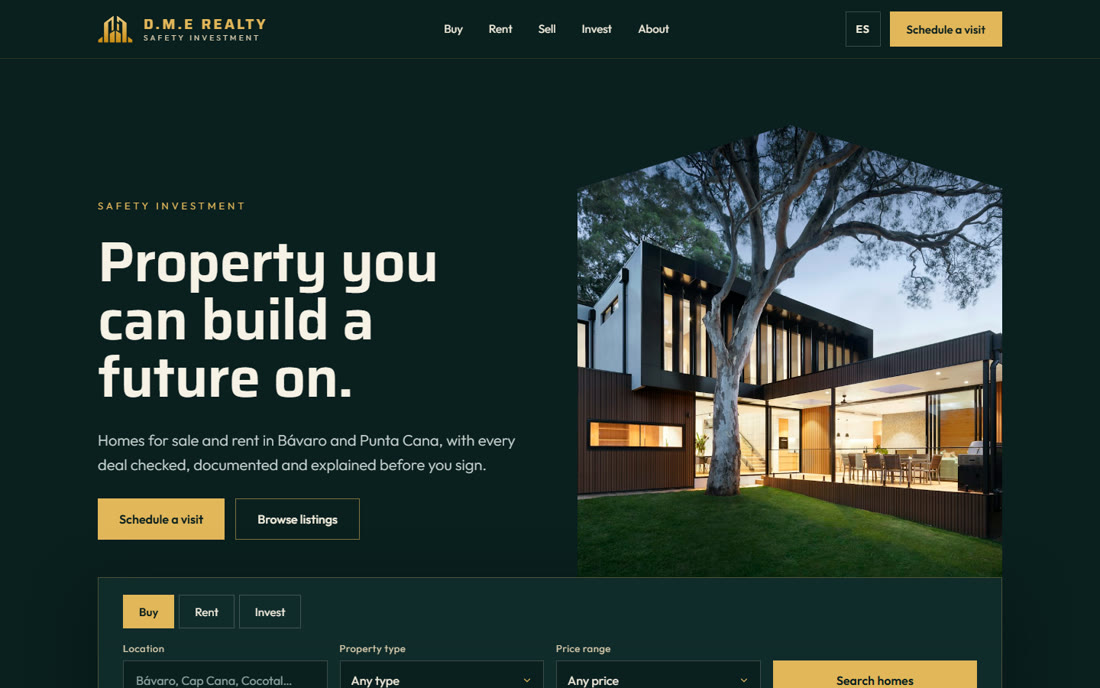
Night Gold
Dark and composed: gold on deep green, with the logo’s roofline cut into the hero photo. It leads with trust and lets the homes glow. Strongest for higher-end sales.
Each one is a working prototype, not a picture. Search listings, open a property, switch to Spanish, send a request. Changes you make in the dashboard show up on all three.
Dark and composed: gold on deep green, with the logo’s roofline cut into the hero photo. It leads with trust and lets the homes glow. Strongest for higher-end sales.
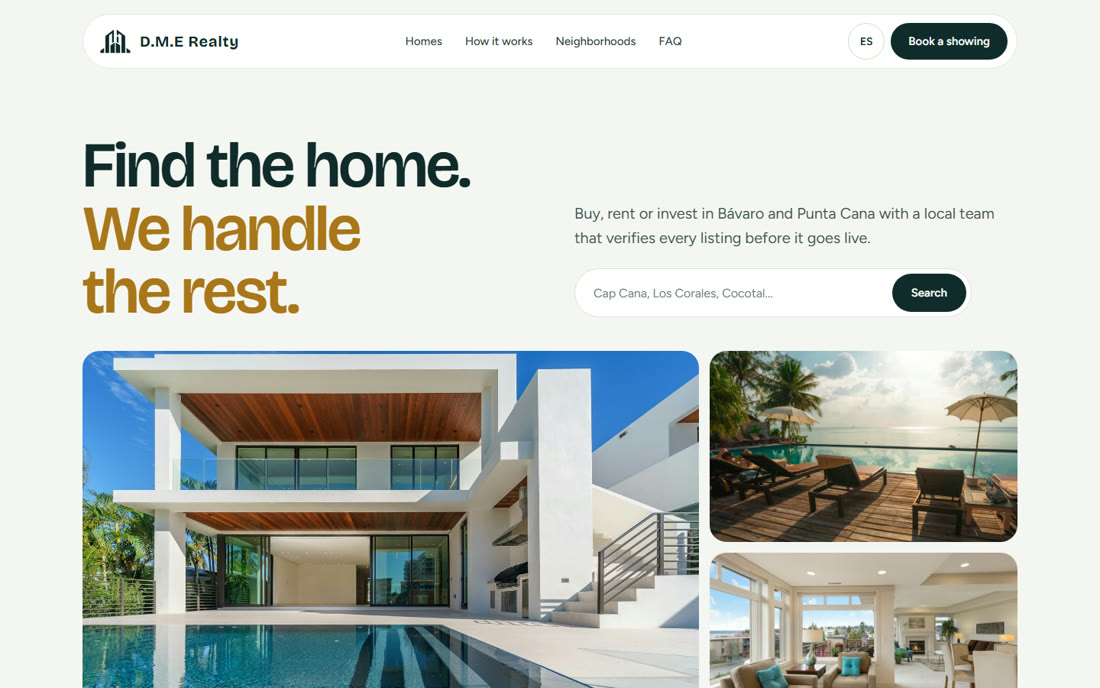
Bright and friendly: rounded cards, a single search bar and a neighborhood guide. Quick to scan on a phone. Strongest for families and first-time buyers and renters.
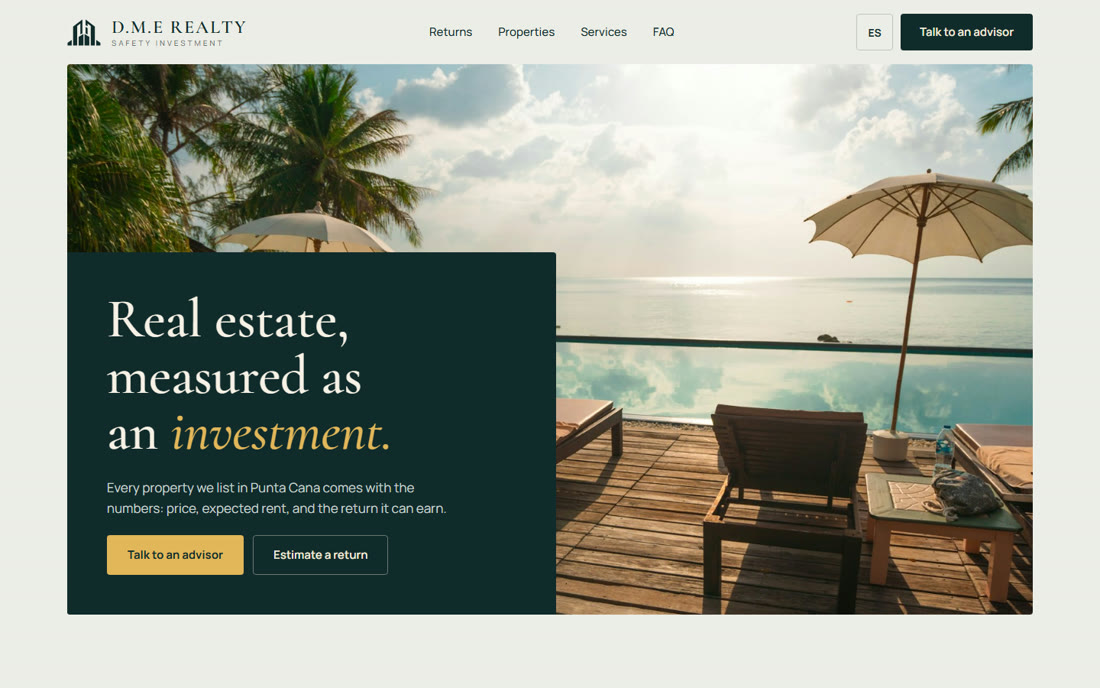
Numbers first: every property shows its estimated rent and yield, with a return estimator and a table view for comparing. Strongest for buyers treating Punta Cana as an investment.
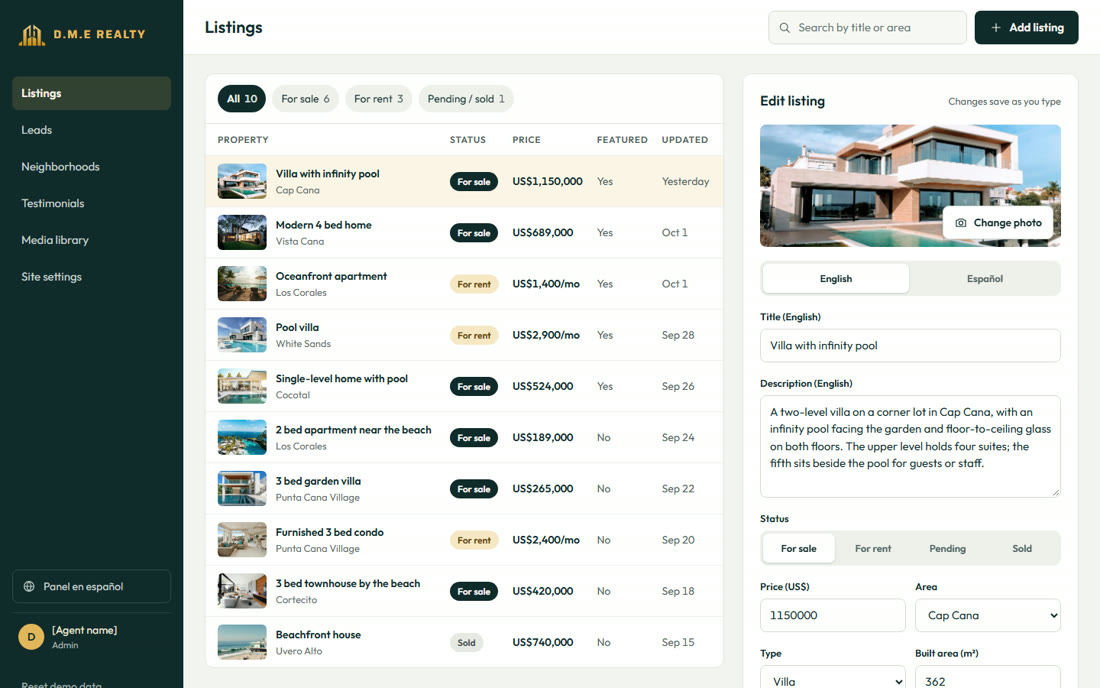
Whichever direction you choose, listings are managed here: change a price, mark a home sold or featured, write titles in English and Spanish. Requests sent from any site’s forms arrive under Leads.
The bar at the bottom of every page switches between directions and keeps you on the same page, so you can compare like for like.